Email Etiquette for Students
How to Write an Email to a Teacher · Grades 6-12
- Grades
- Grades 6–12
- Formats
- Google Slides, PDF, PowerPoint
- Pages
- 44
- Answer keys
- Included
Opens our store on Teachers Pay Teachers, where you can see the full preview and buy.
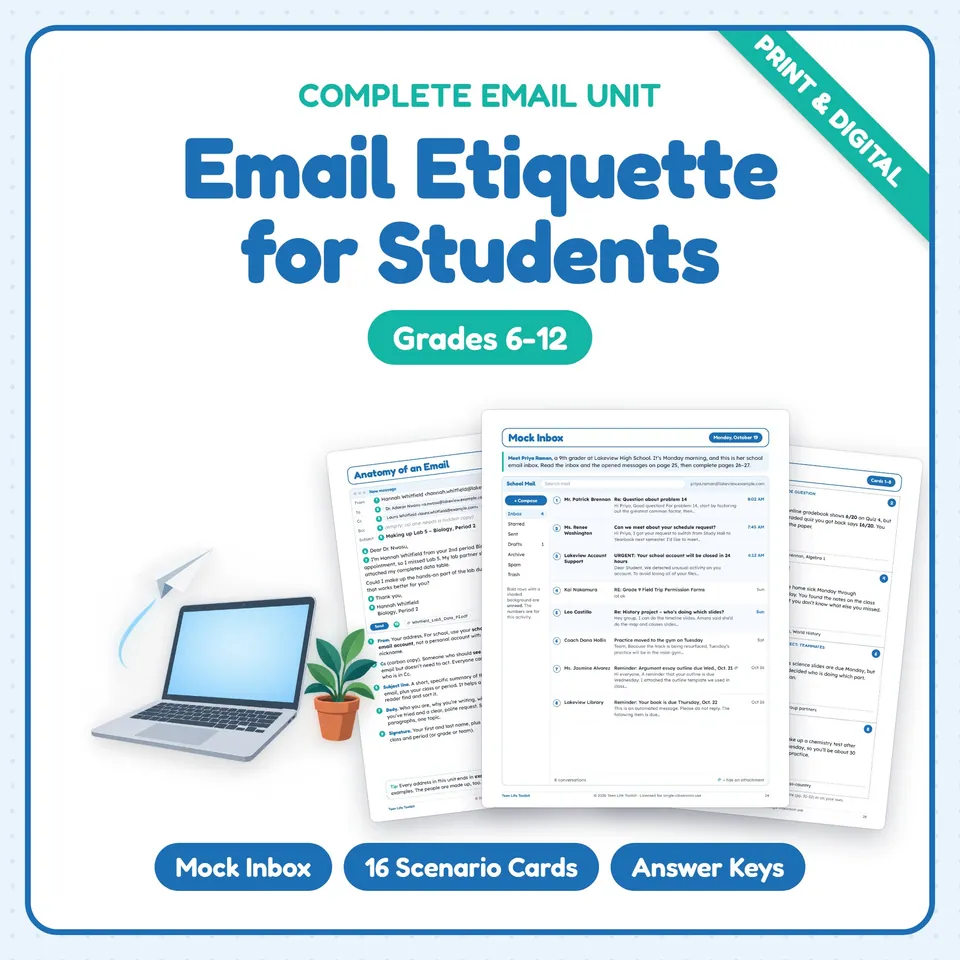
Teach email etiquette for students with a complete, no-prep unit that shows middle and high school students exactly how to write an email to a teacher, coach or counselor. Students take apart a realistic email, sort strong and weak subject lines, fix flawed emails, rewrite rude ones politely, learn Reply vs. Reply All, Cc and Bcc, spot phishing, and work through a mock school inbox before writing their own email with a rubric. Every person and address is fictional.
What's included
- Teacher guide with 10-lesson pacing, materials and differentiation (support, on level, challenge)
- Teaching notes: practicing safely, a 5-day short version and the facts behind the lessons
- Standards page (CCSS ELA writing and language, ISTE 2024, CASEL)
- "What Do You Know?" anticipation guide (before and after) + text, email or in person?
- Anatomy of an Email reference page (From, To, Cc, Bcc, subject, greeting, body, closing, signature, attachment) + To, Cc or Bcc? practice
- Subject line notes, a 16-card subject line sort and a recording sheet
- Greetings, sign-offs and signatures (formality ladder, titles, closing bank) + practice
- Writing the body: unscramble an email and cut the clutter
- Tone and politeness: tone traps, tone fixers and an 8-sentence tone check
- Rewrite 3 rude emails politely
- Reply, Reply All, Forward or new email? (8 scenarios)
- Attachments, links and phishing red flags
- Proofreading error hunt (10 errors)
- Fix the Email: 4 flawed emails with problem codes
- Timing and response times with a school calendar
- Email and your digital footprint + what not to email
- Send It, Fix It or Don't Send It? (12 drafts)
- Mock school inbox (8 emails), 5 opened messages, an 8-question inbox challenge and 3 replies to write
- 16 email scenario cards (missed assignment, grade question, absences, asking for help, group projects, coach, counselor and more) + a planner
- 6 fill-in email templates
- Write Your Own Email task with a 10-point Send Check + a 20-point rubric with peer review
- "Before You Hit Send" classroom poster
- 6 exit tickets
- Unit quiz (12 multiple choice, 4 short answer and a short email; 25 points)
- Complete answer keys with sample answers
How to use it
Teach it as a 10-lesson unit (about 45 minutes each) or use the 5-day short version in the teaching notes. It fits ELA, computer and technology classes, advisory, homeroom, life skills and digital citizenship lessons, and it makes a great back-to-school routine before students start emailing teachers.
Skills practiced
Email structuresubject linesgreetings and sign-offsconcise writingtoneReply vs. Reply AllCc and Bccattachments and linksphishing awarenessproofreadingdigital footprint